Website
Build your menu and ordering site with our free café website builder.
By HundteC · Canada
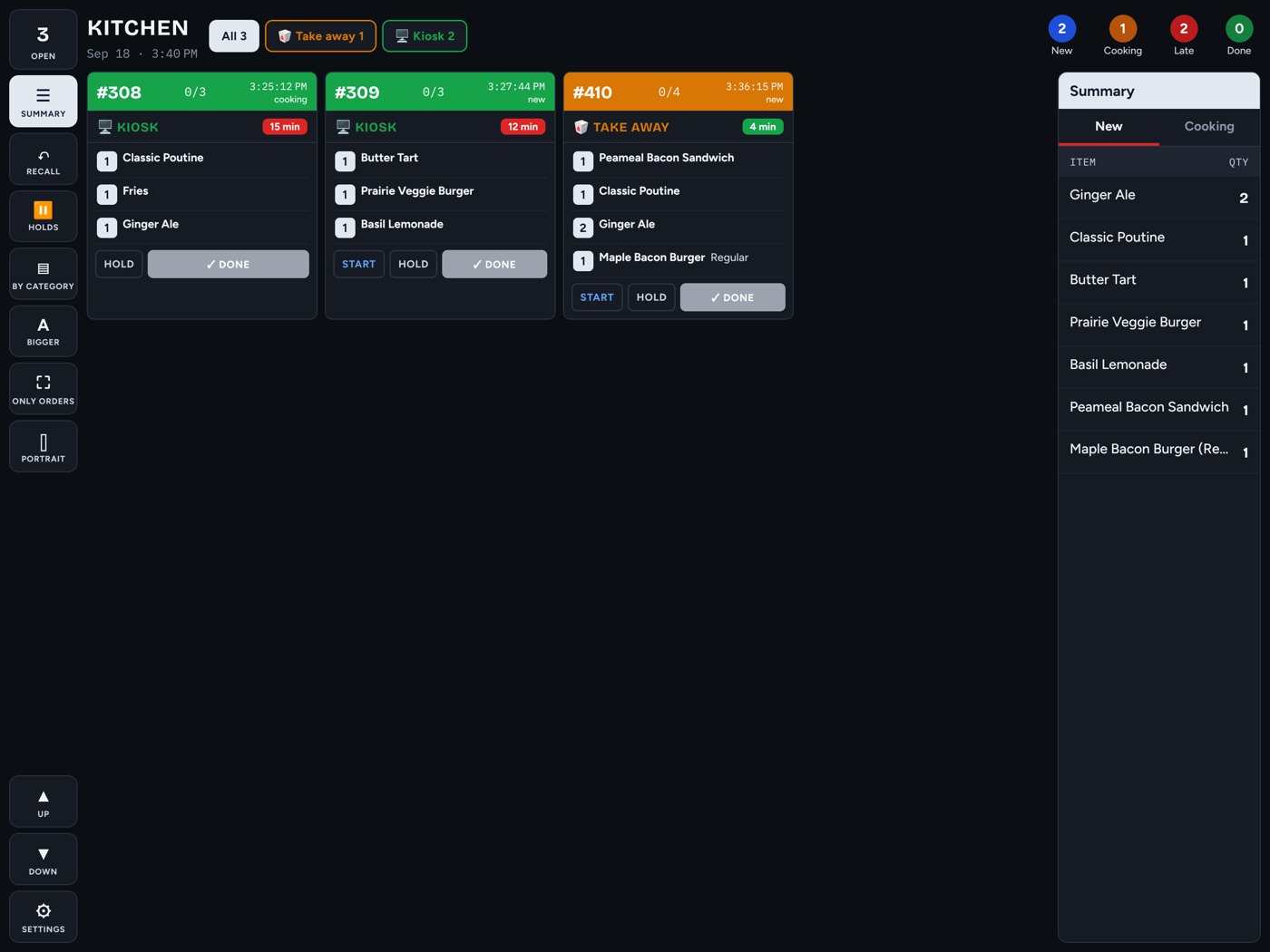
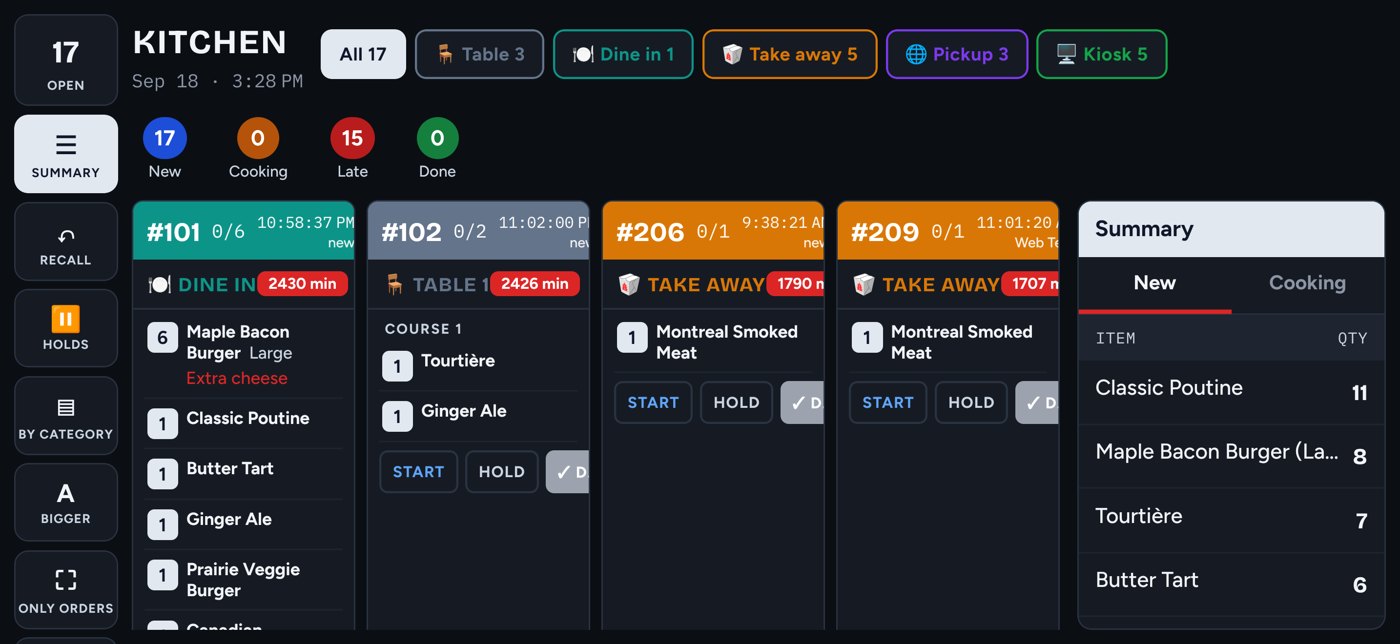
A self-service kiosk guests can talk to, a till for your staff and a kitchen screen for the cooks — on iPad, iPhone or any Android tablet, paired to your restaurant in one minute.
Includes your own ordering website — live in five minutes, self-serve.
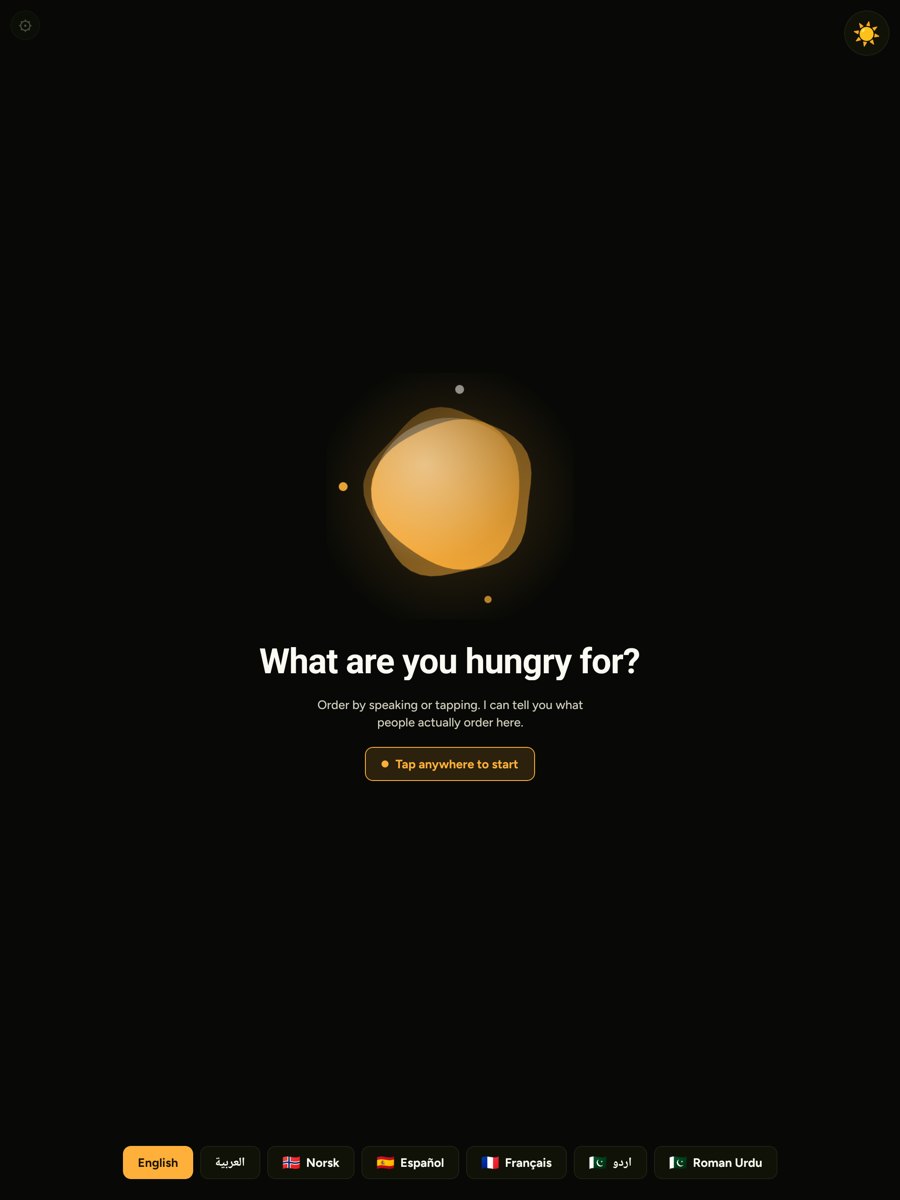
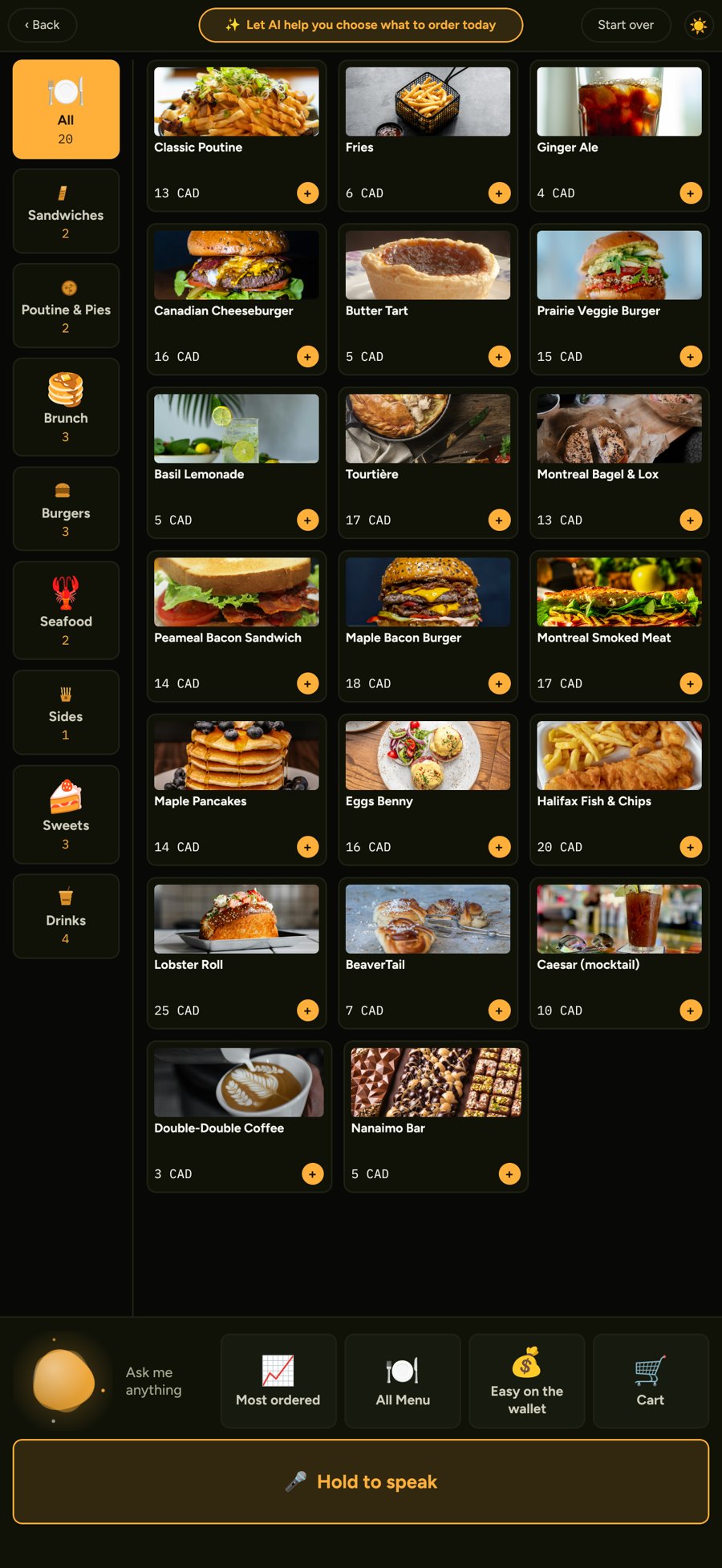
Kiosk
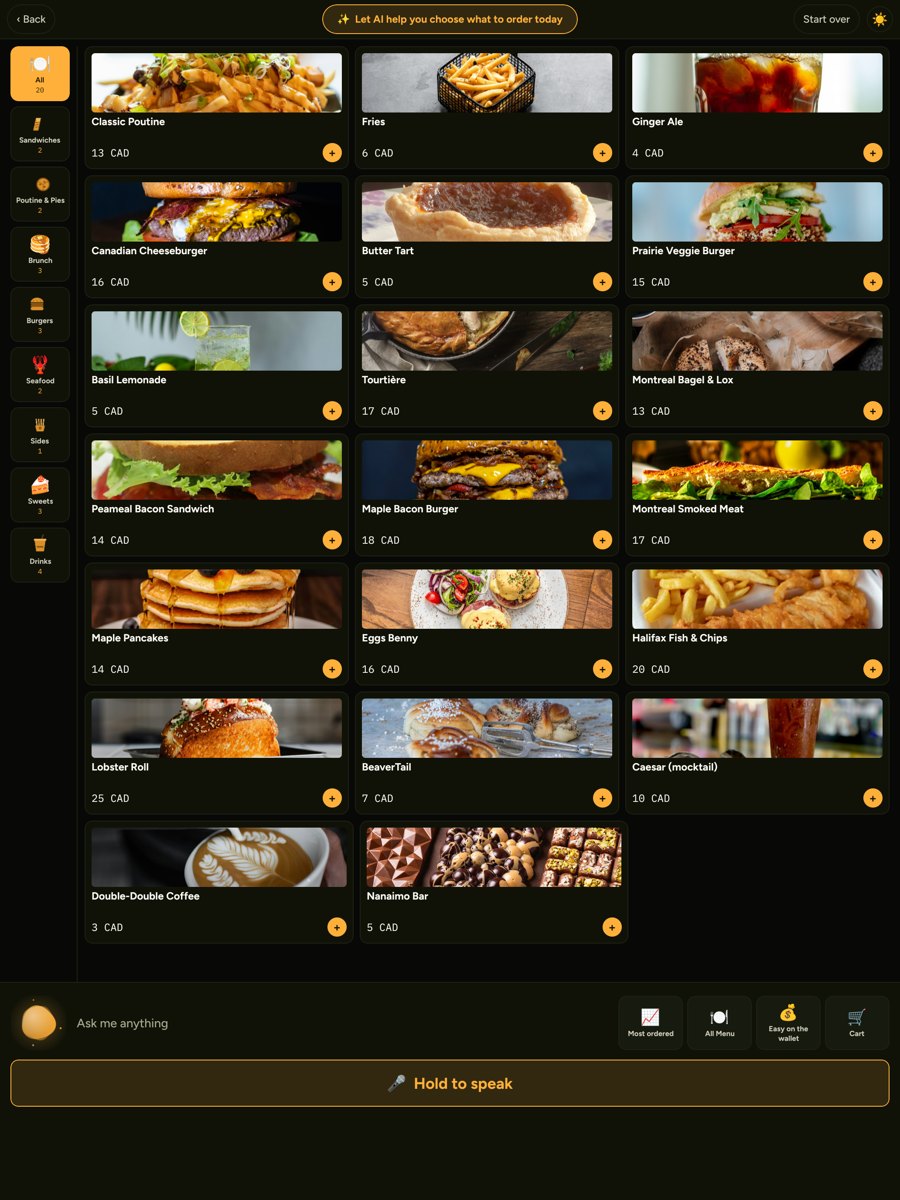
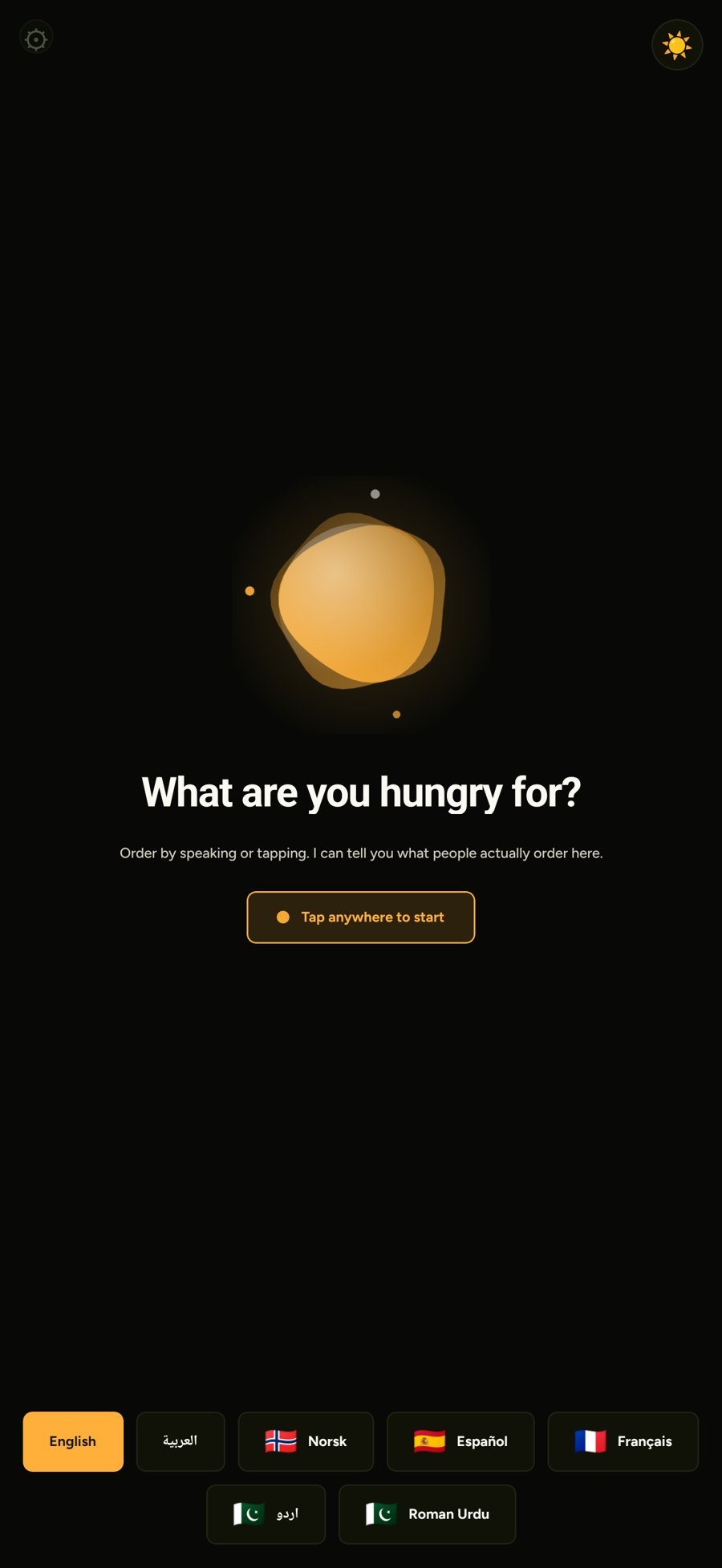
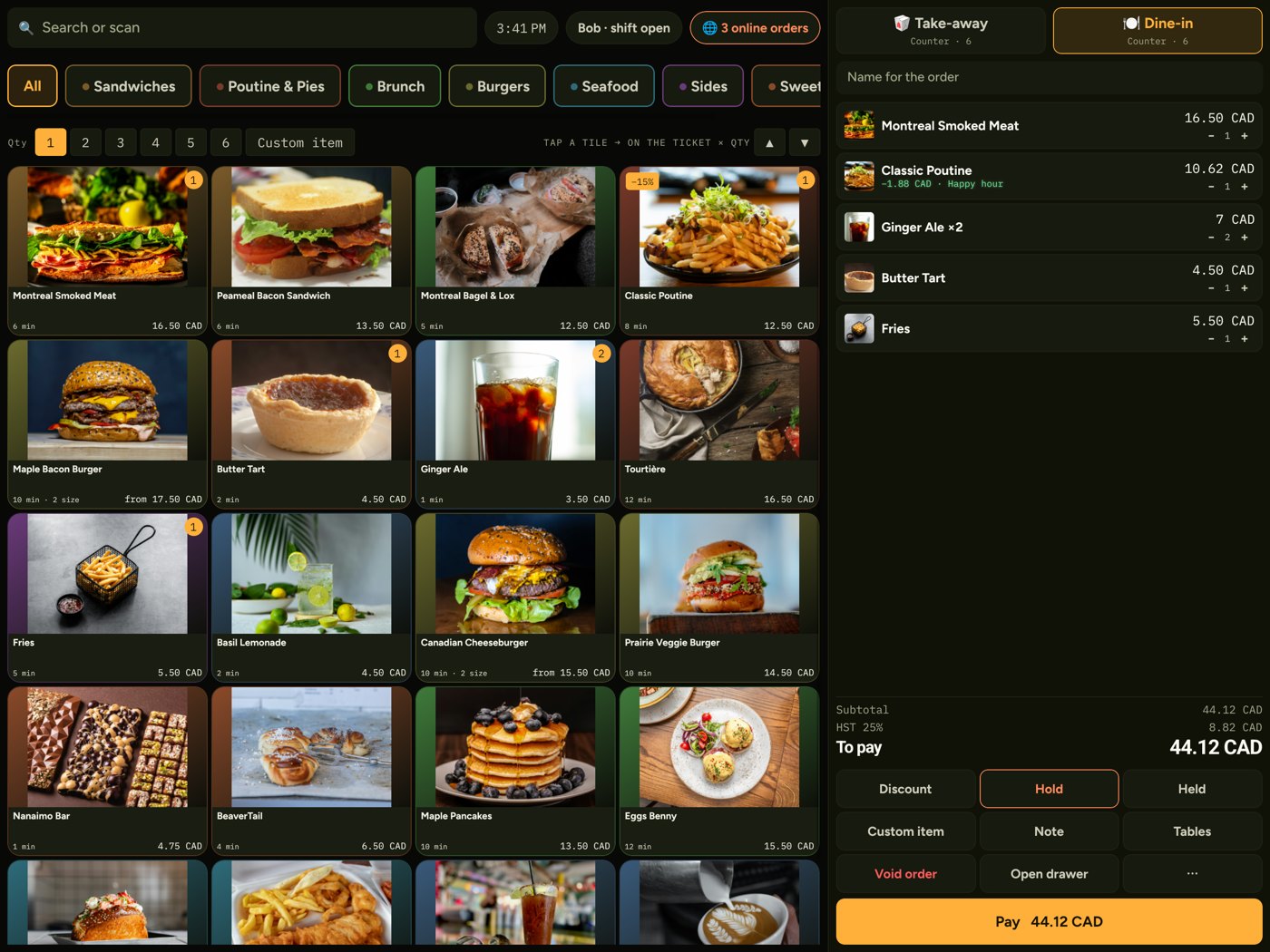
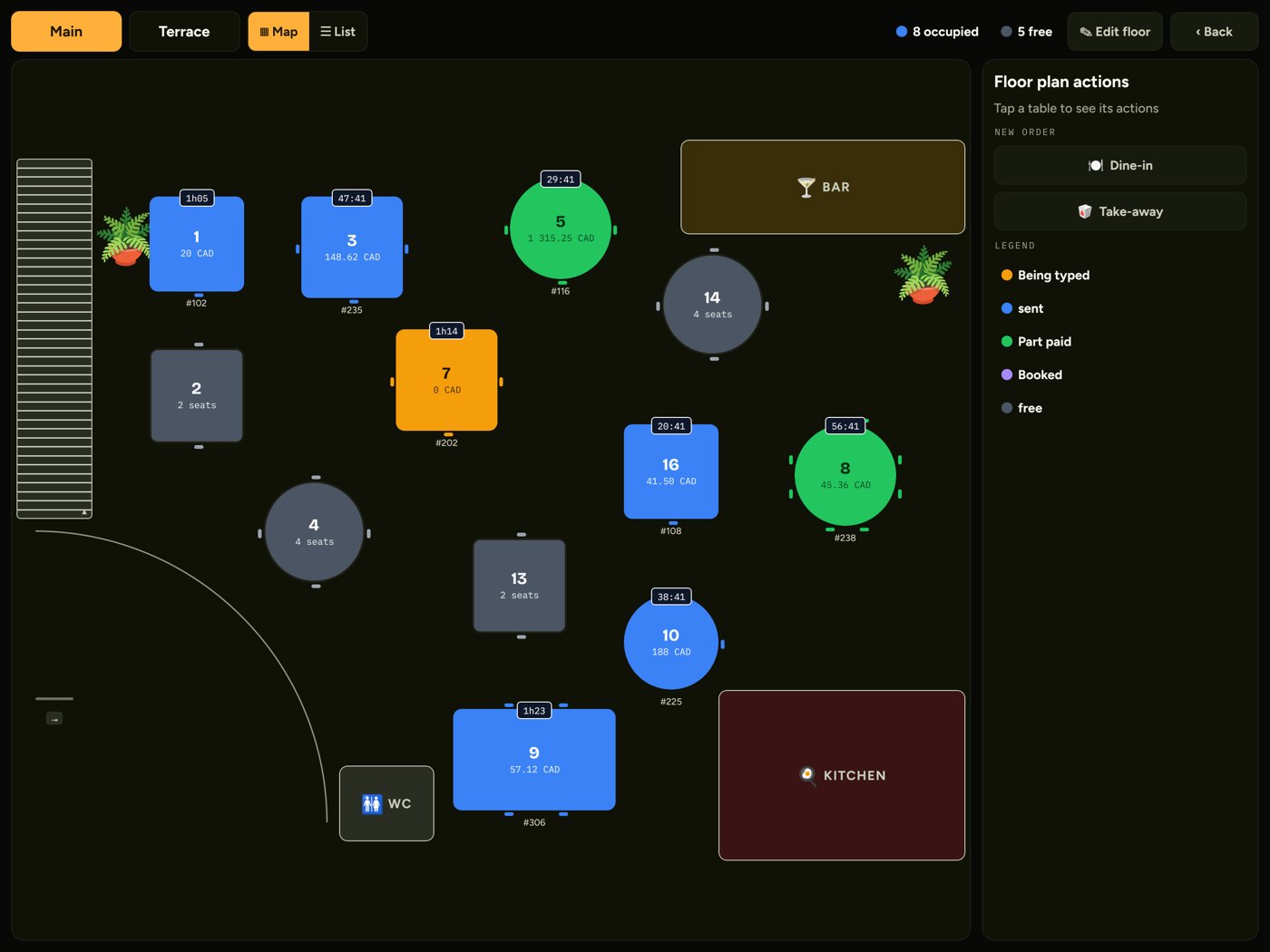
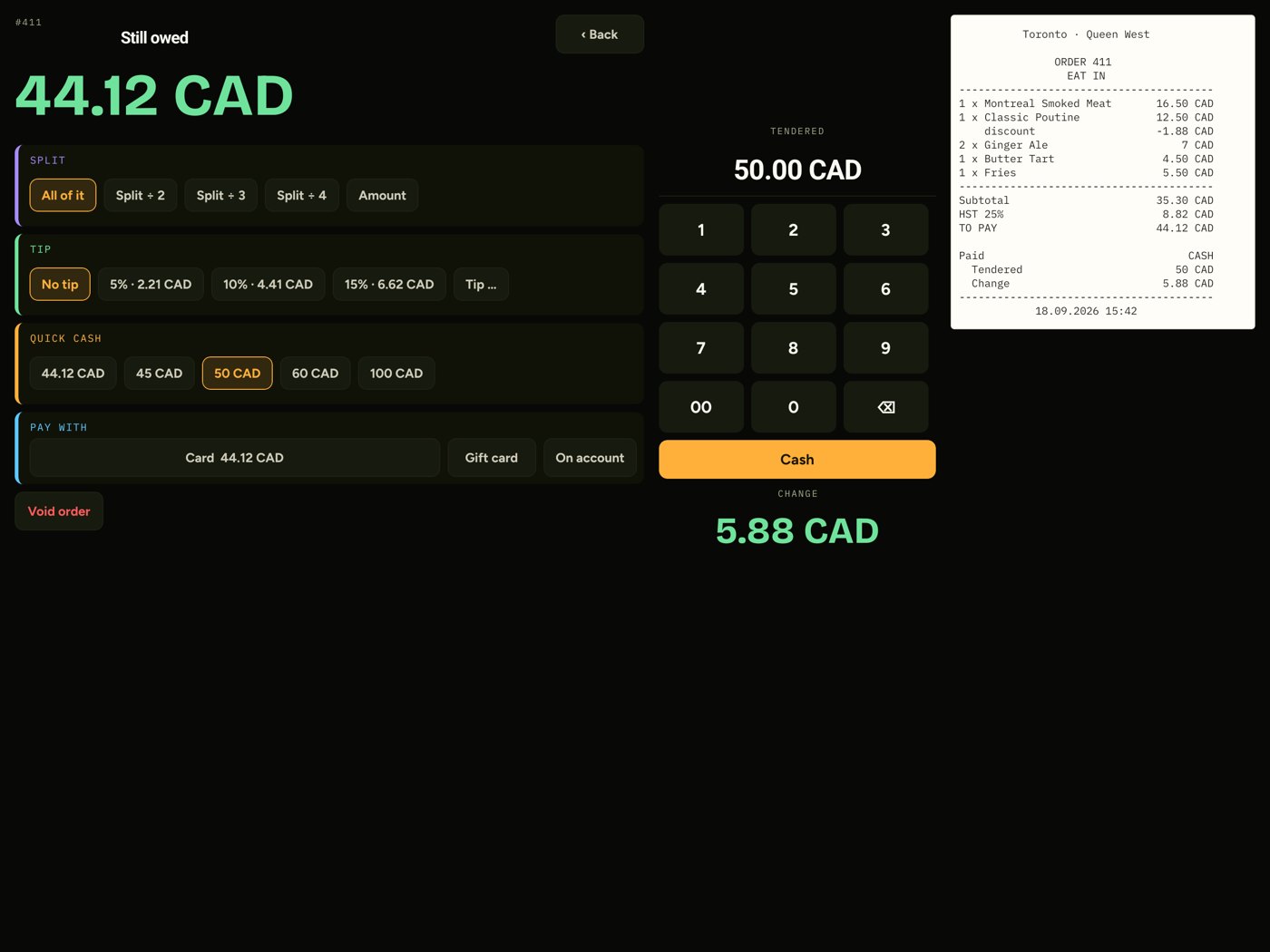
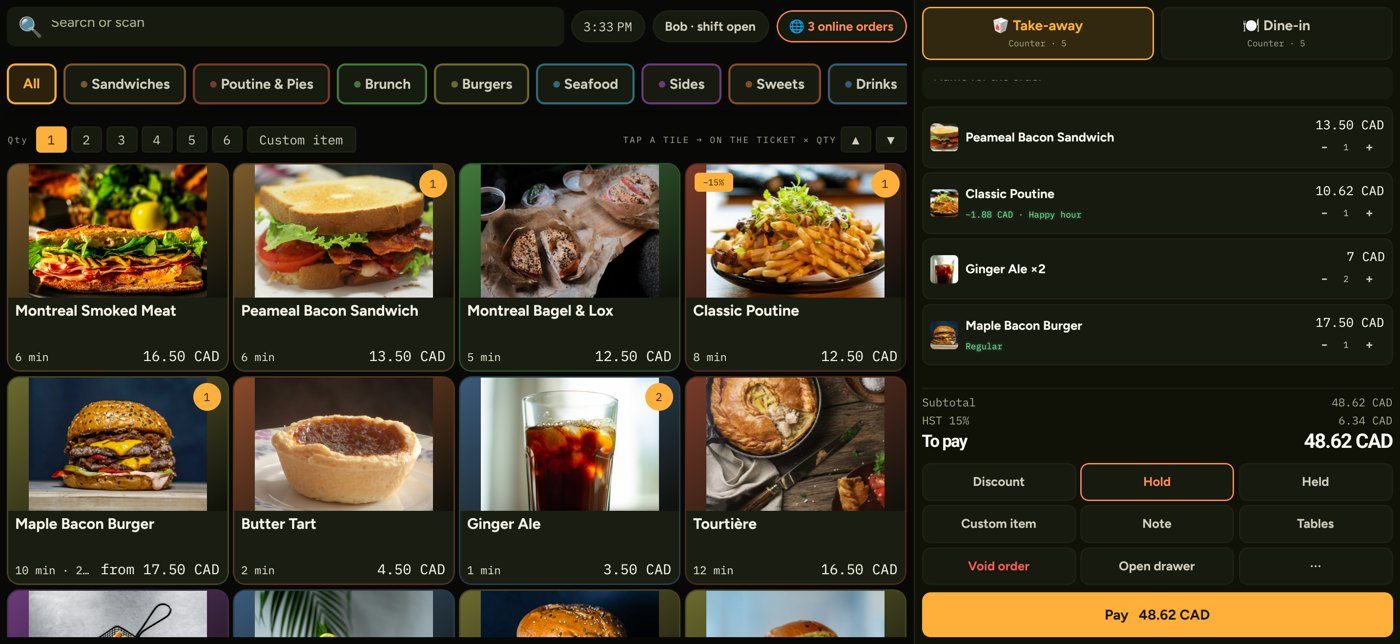
Till
Kitchen
Your own ordering website — included
Type your dishes once at buildcafe.hundai.tech. You get a website with online ordering, pickup times and table bookings — and the same menu runs your kiosk, till and kitchen screen. Start free; upgrade when you are ready.
Add your dishes, photos and prices in the free builder.
Online ordering, pickup slots and table bookings, on your own URL.
Scan a code — the same menu runs your kiosk, till and kitchen.
Free plan: 5 dishes · 30 days · no card required.
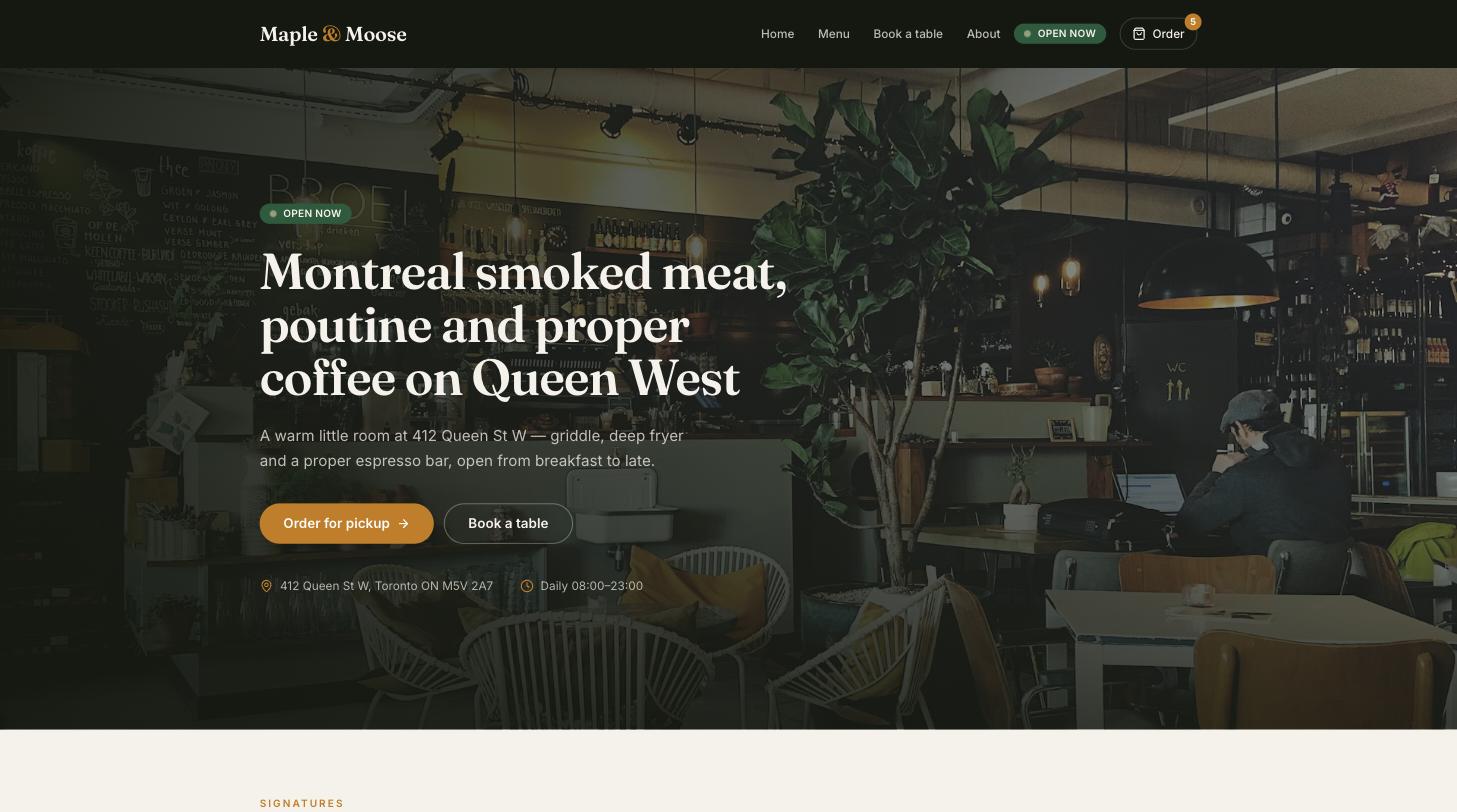
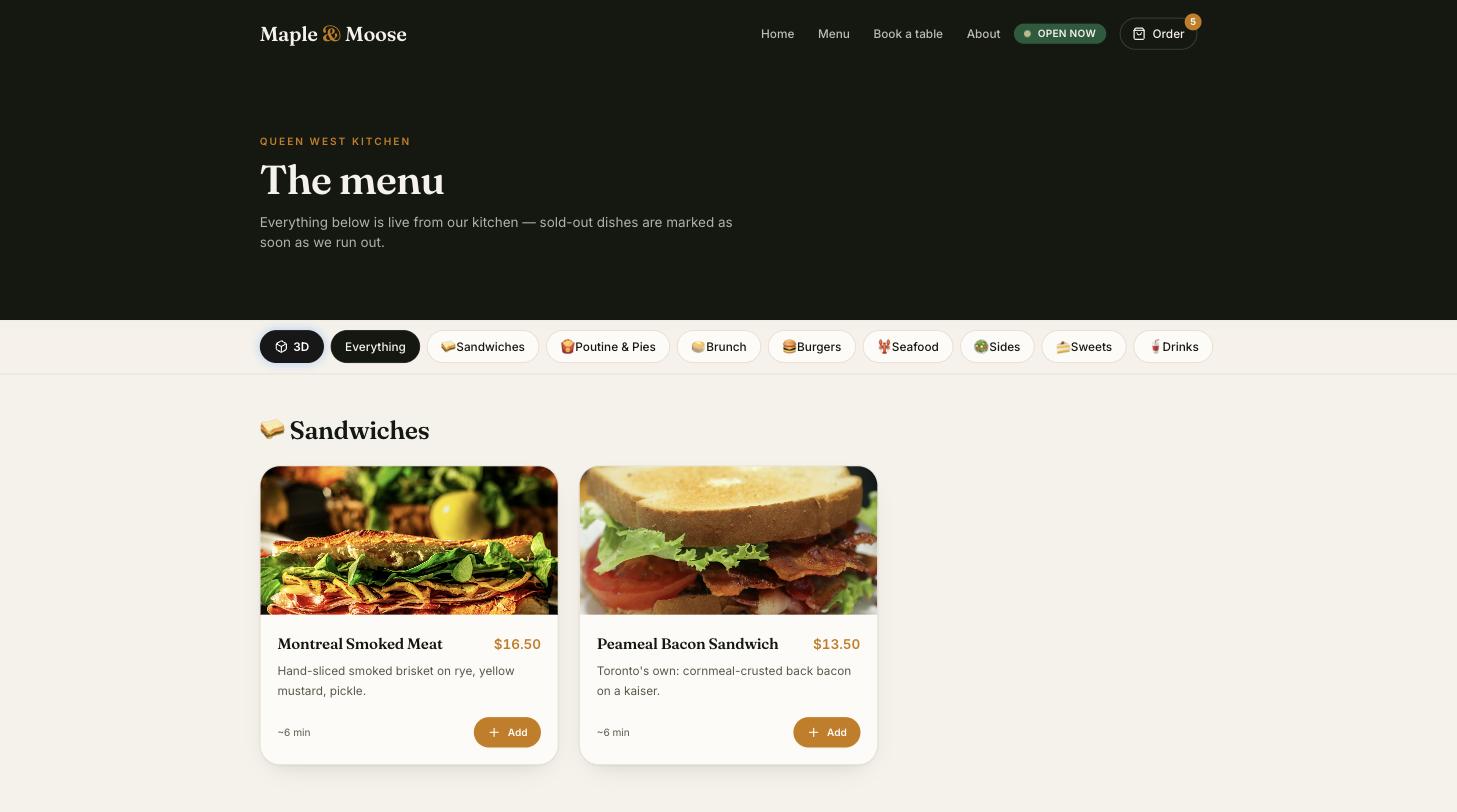
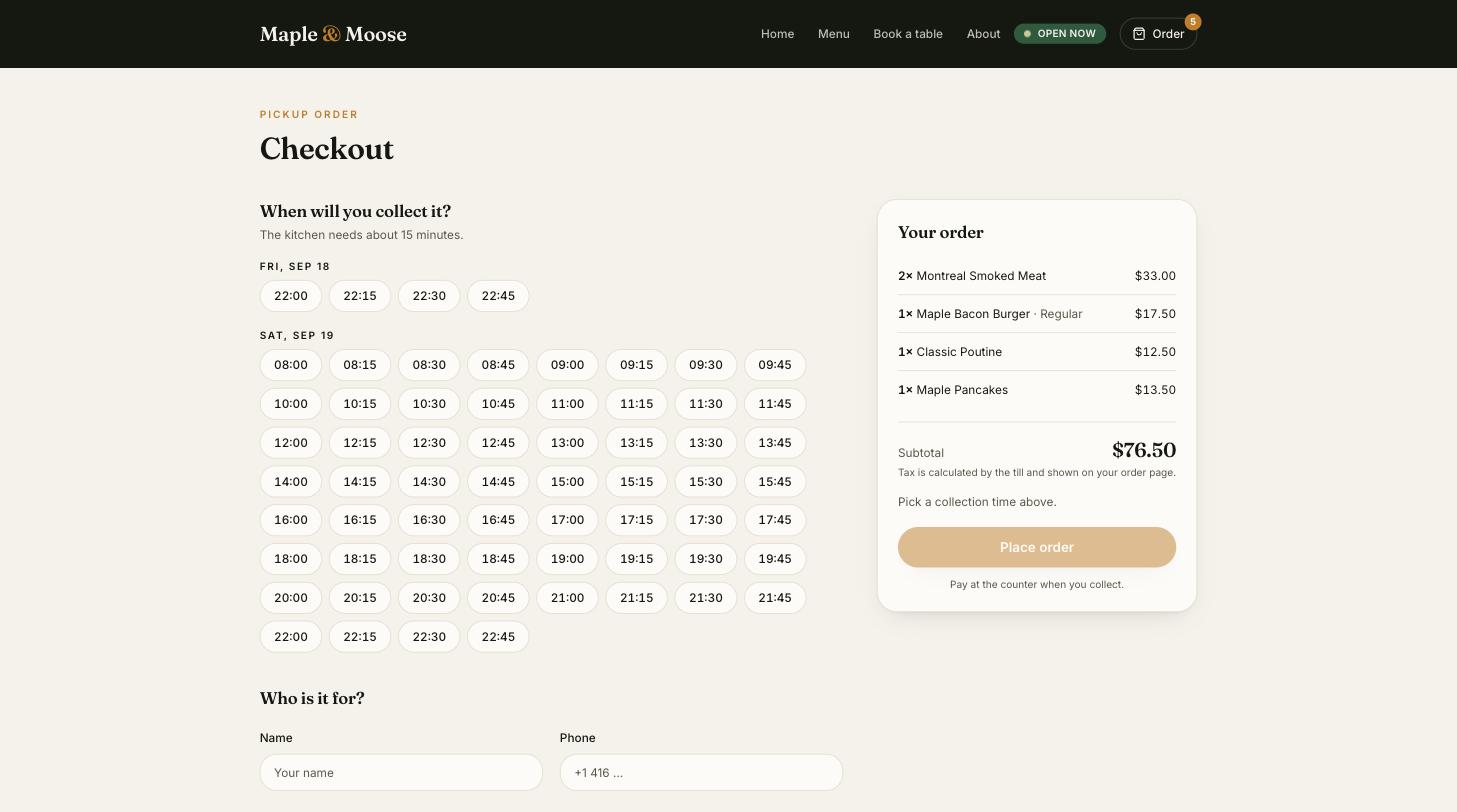
Build your menu and ordering site with our free café website builder.
Set pickup times that work for your counter and kitchen.
Web orders appear beside counter and kiosk orders — same till, same kitchen.
How it works
Use the App Store for iPad or iPhone, or the APK for Android tablets.
Enter the code from your web back office. The device connects in seconds.
Set each device as a Kiosk, Till or Kitchen screen.
Menu, staff, devices and reports live in the web back office; changes reach every device within a minute.
Pricing
For trying it out.
CAD 0
For your daily service.
from CAD 49 / month

Download
Available for iPad and iPhone on the App Store. Android tablets use the direct APK.
Back office: kiosk.hundai.tech/admin
Contact
Thank you — we have your details and will be in touch within one business day. A copy has been emailed to you.